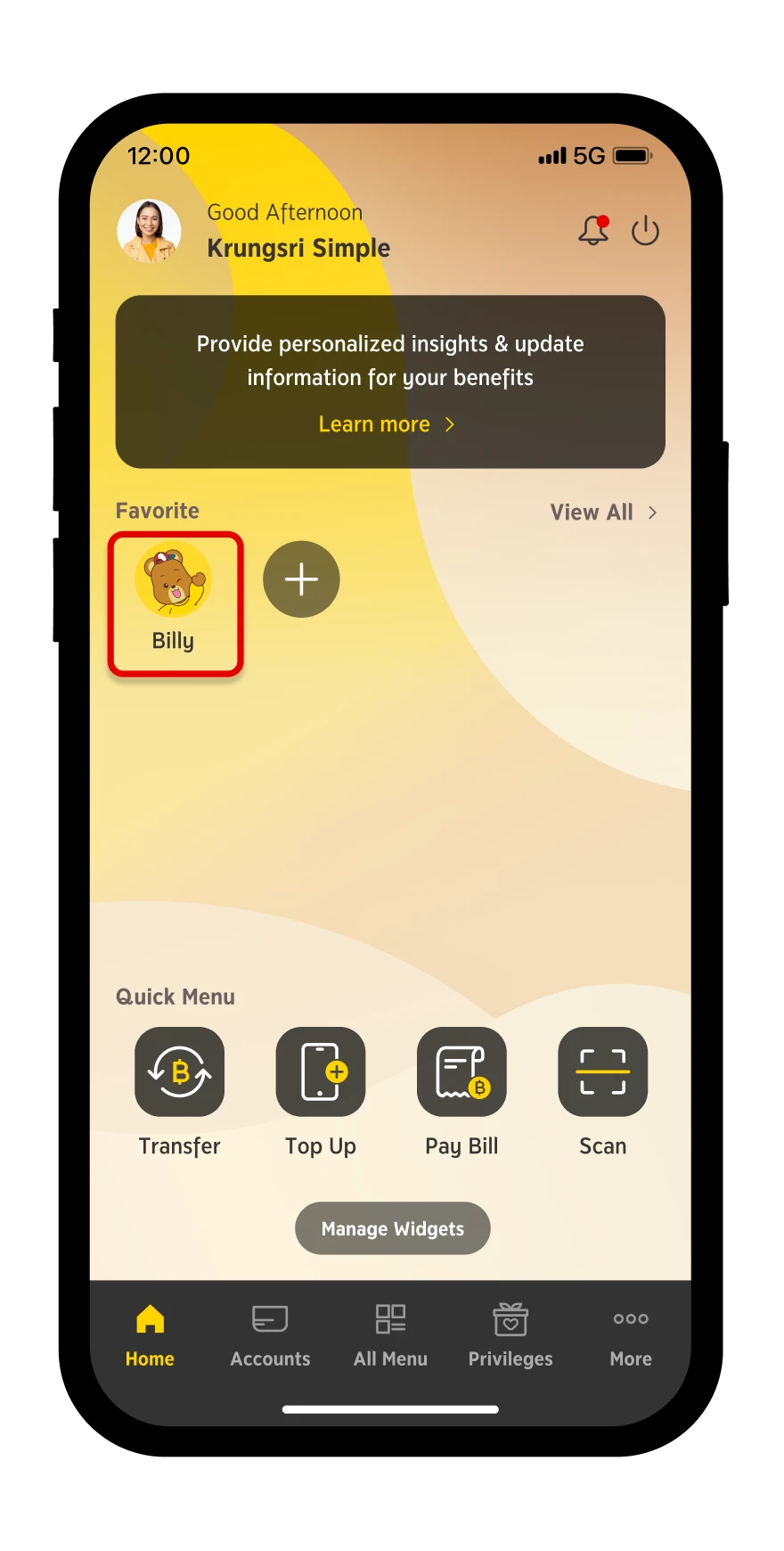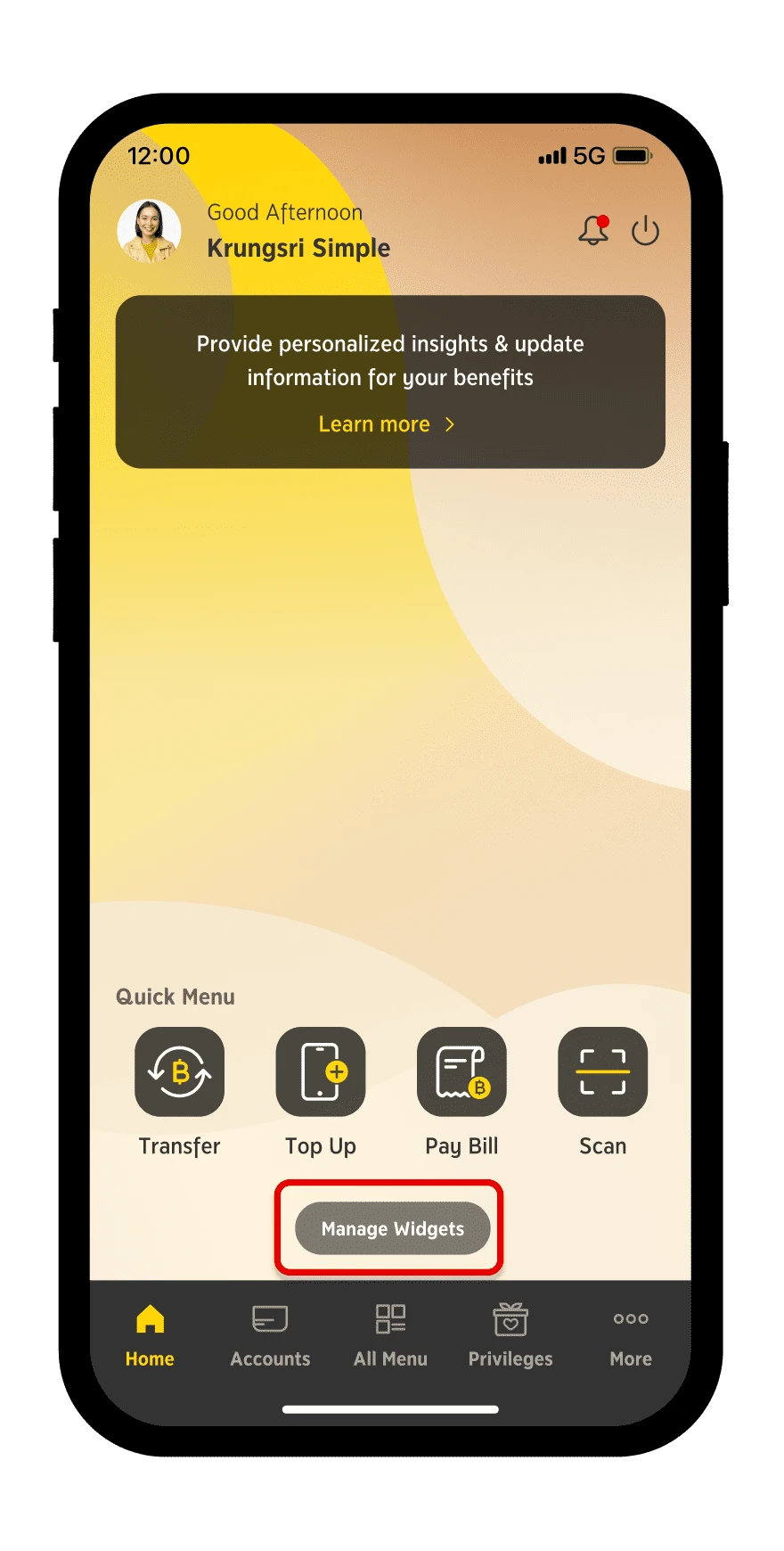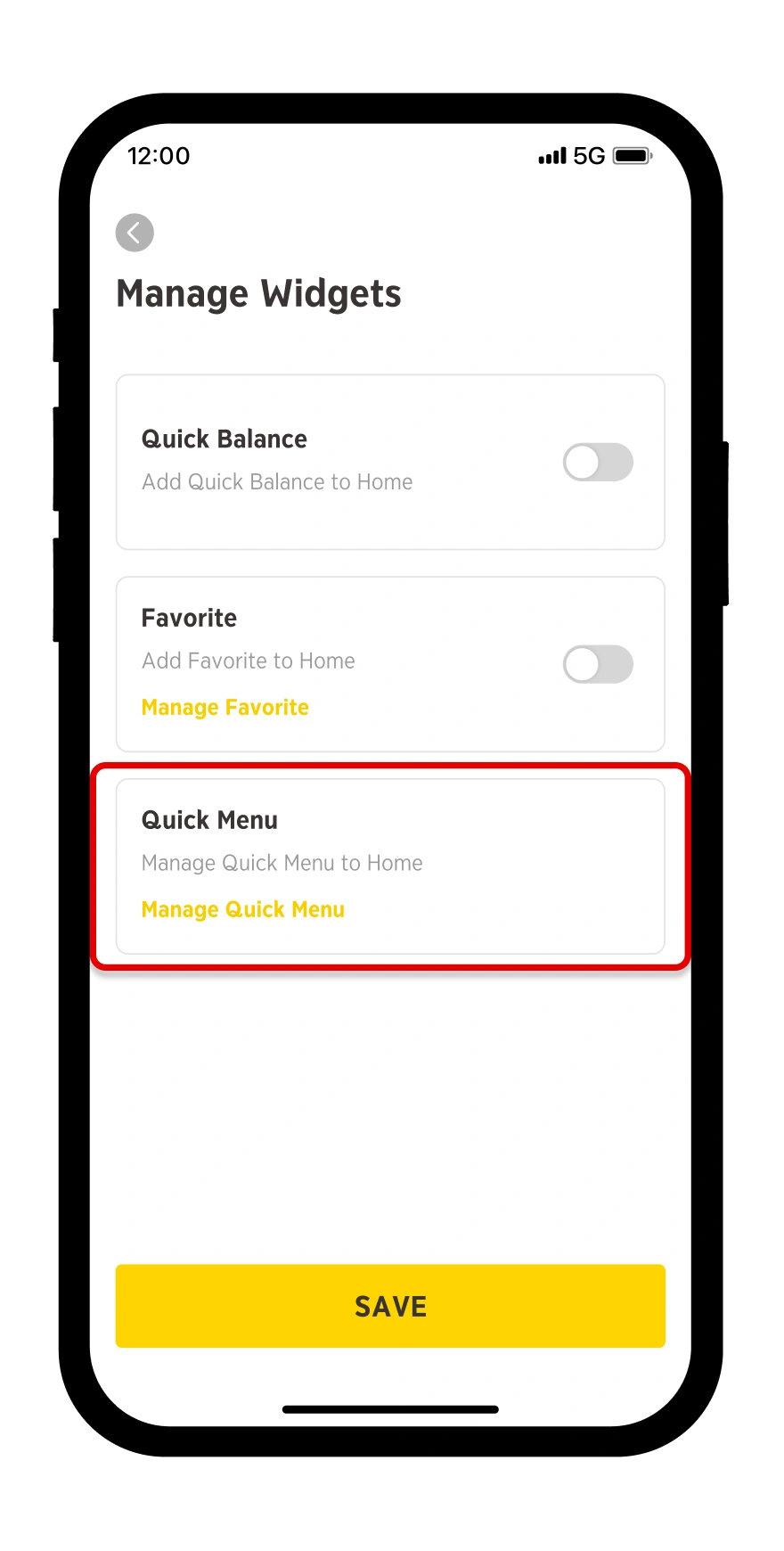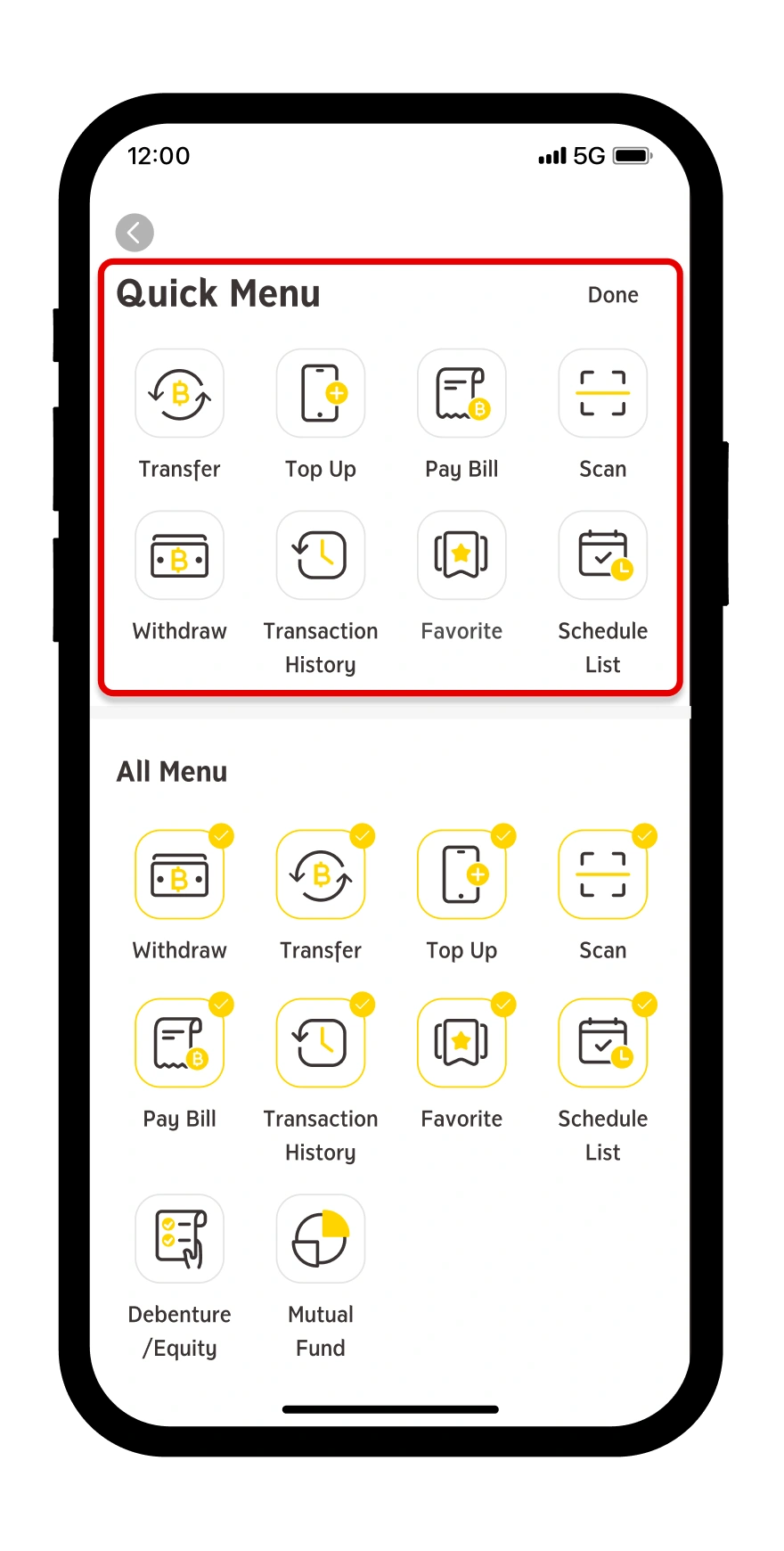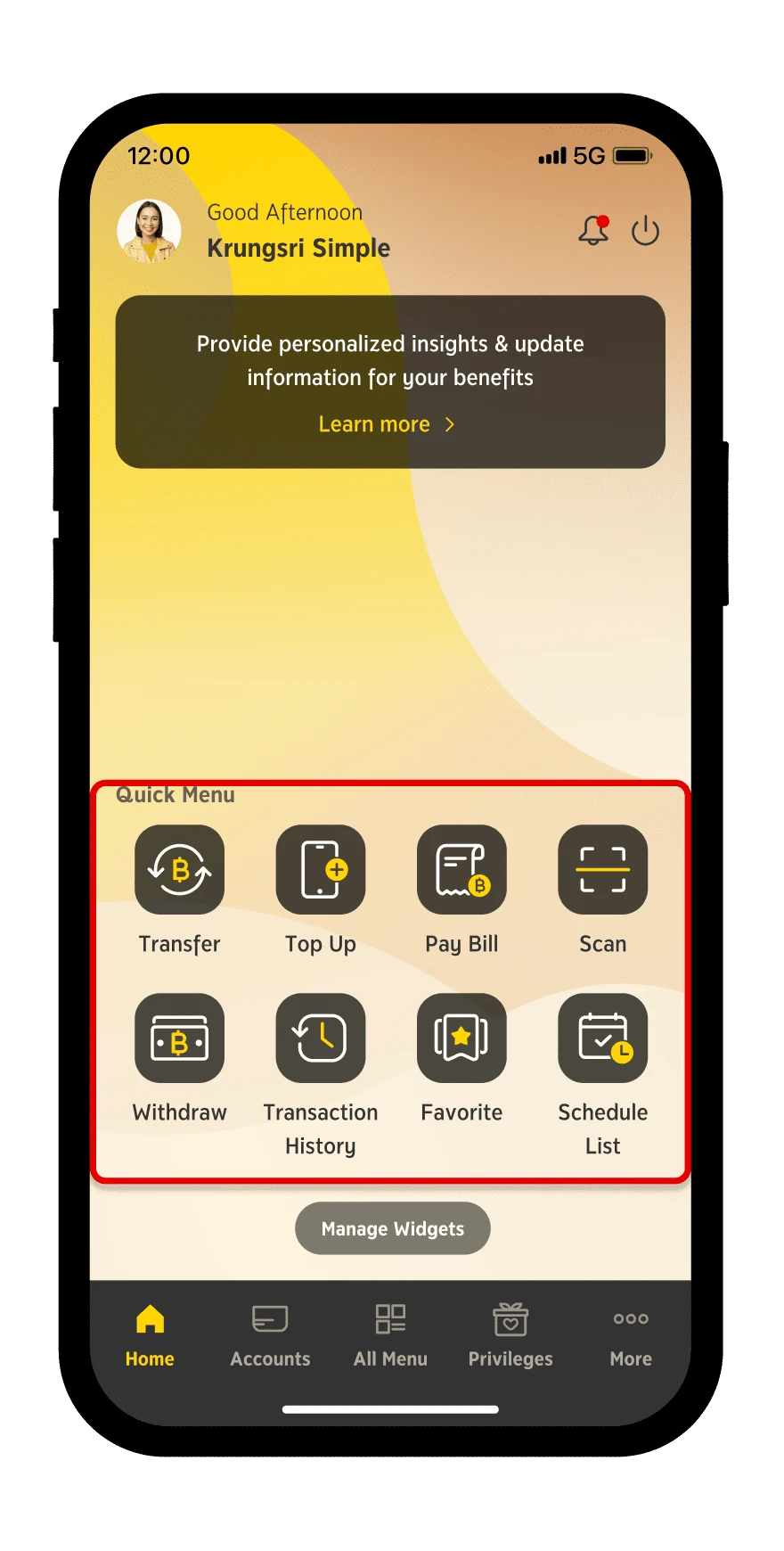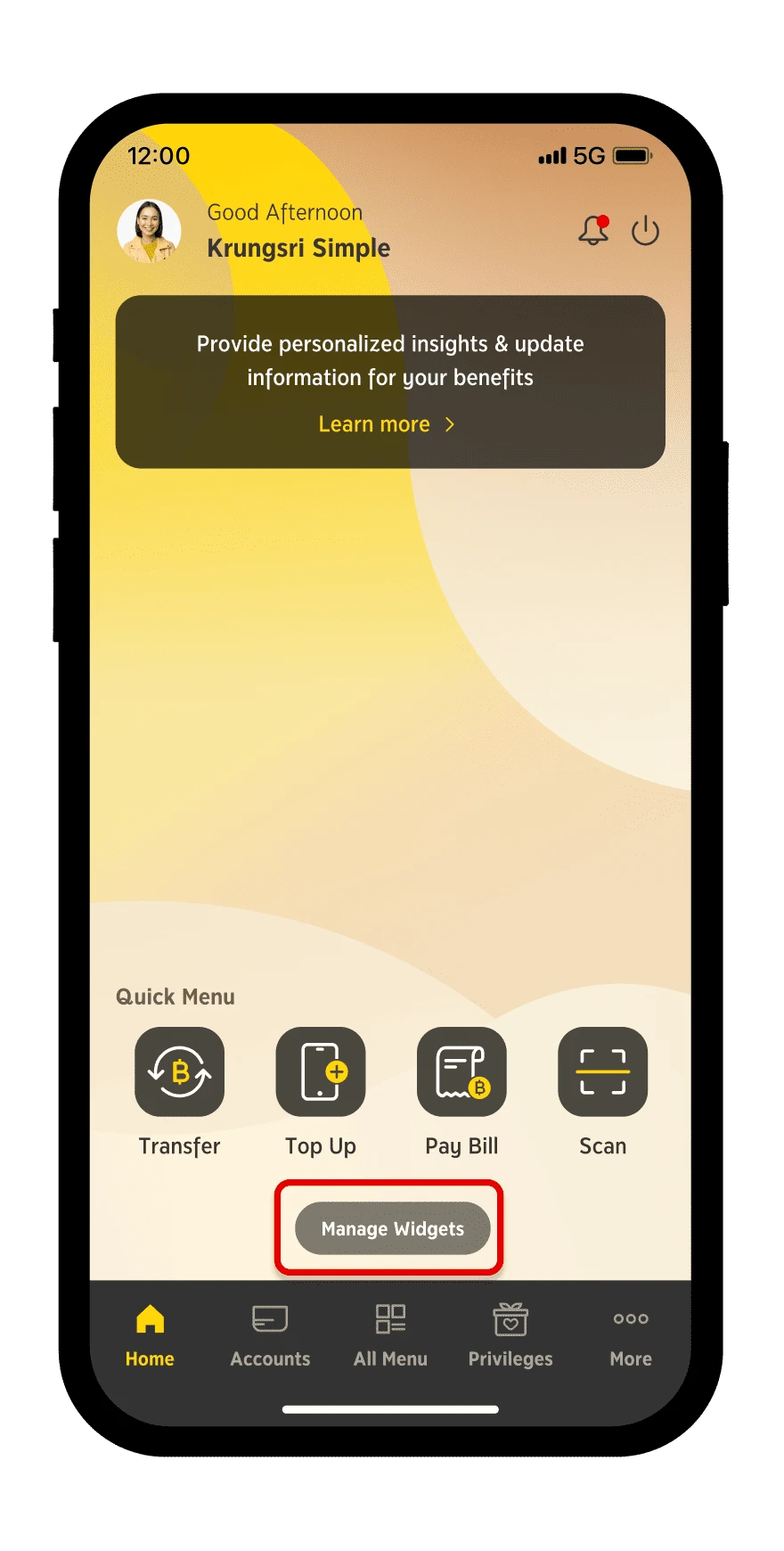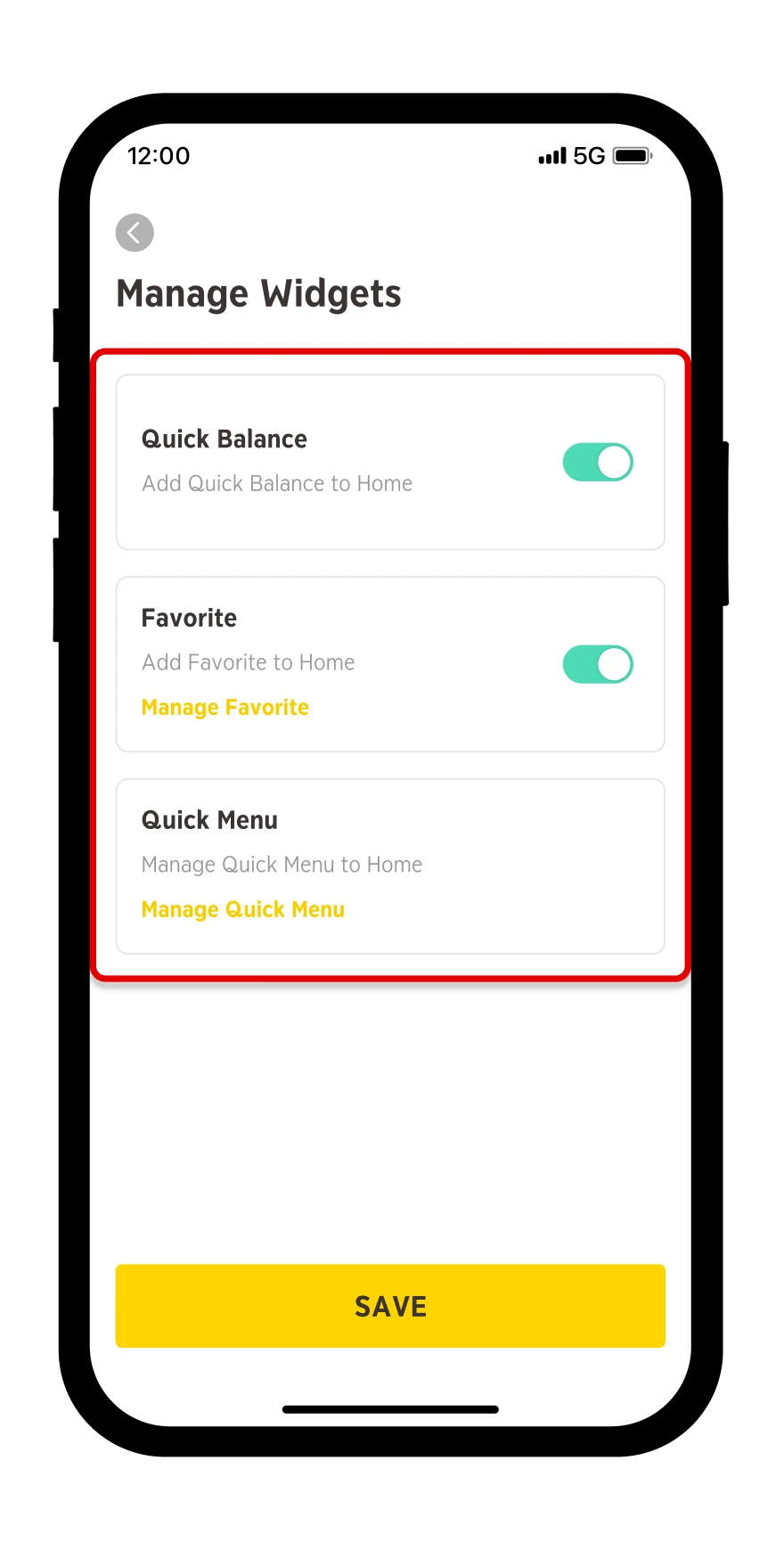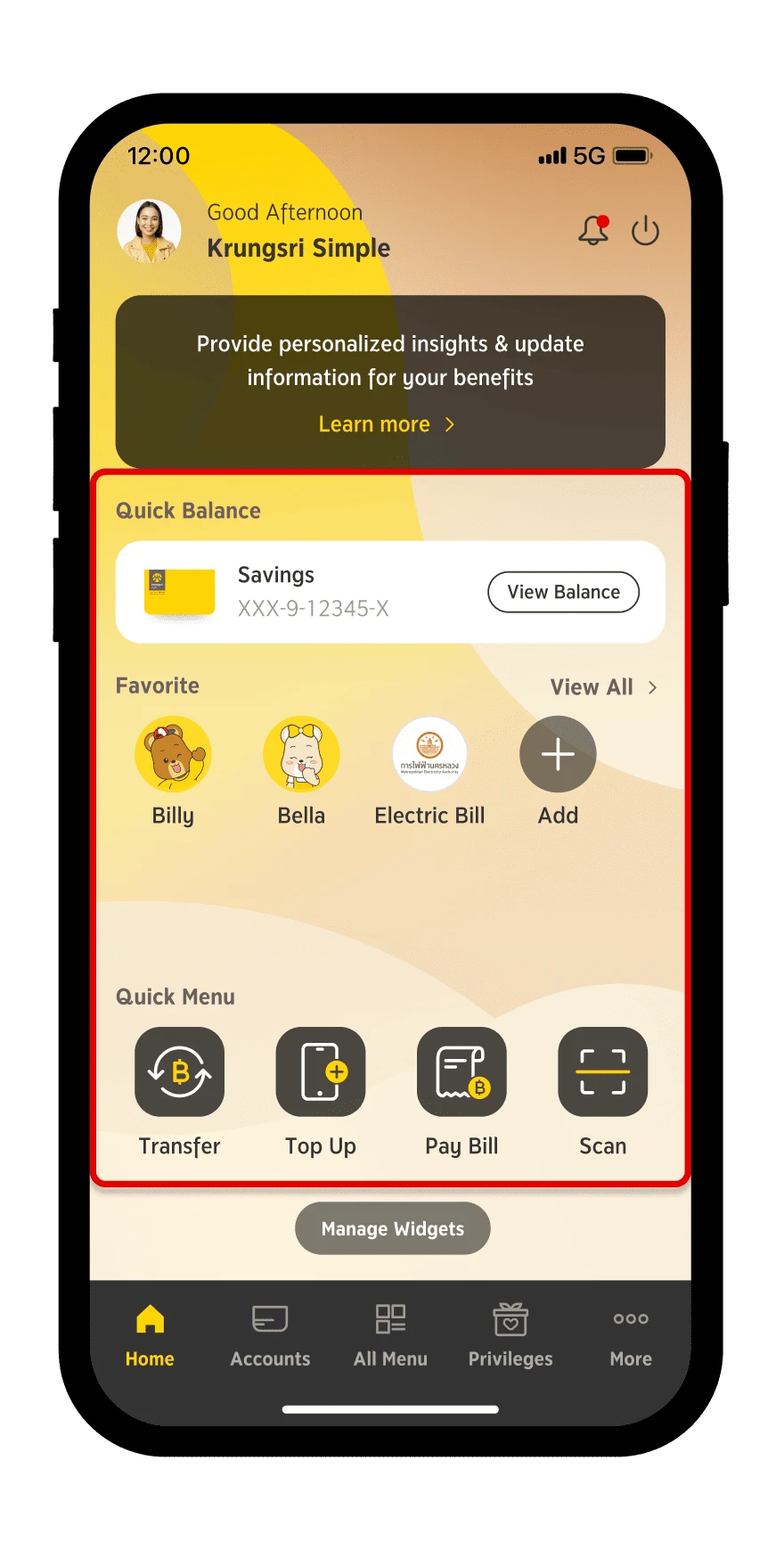

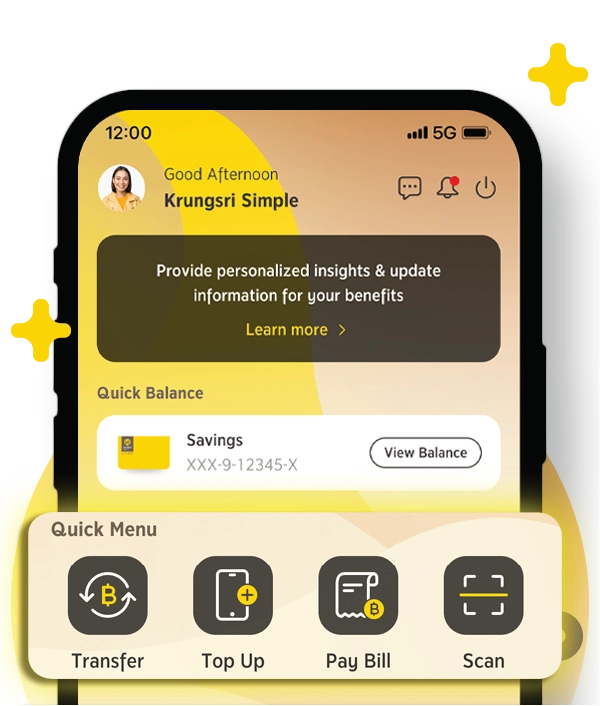
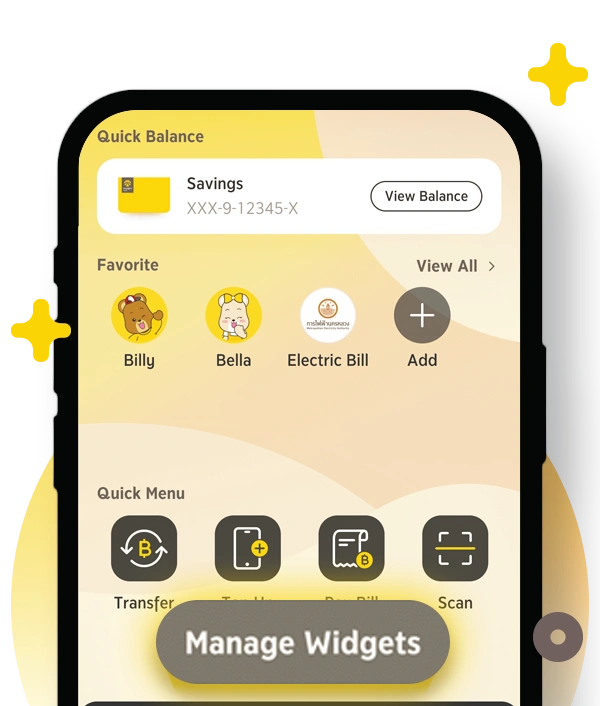


Your financial assistant, providing useful snapshots and recommendations.
Financial Assistant
Financial Assistant
Details
Income Expense Summary
Details
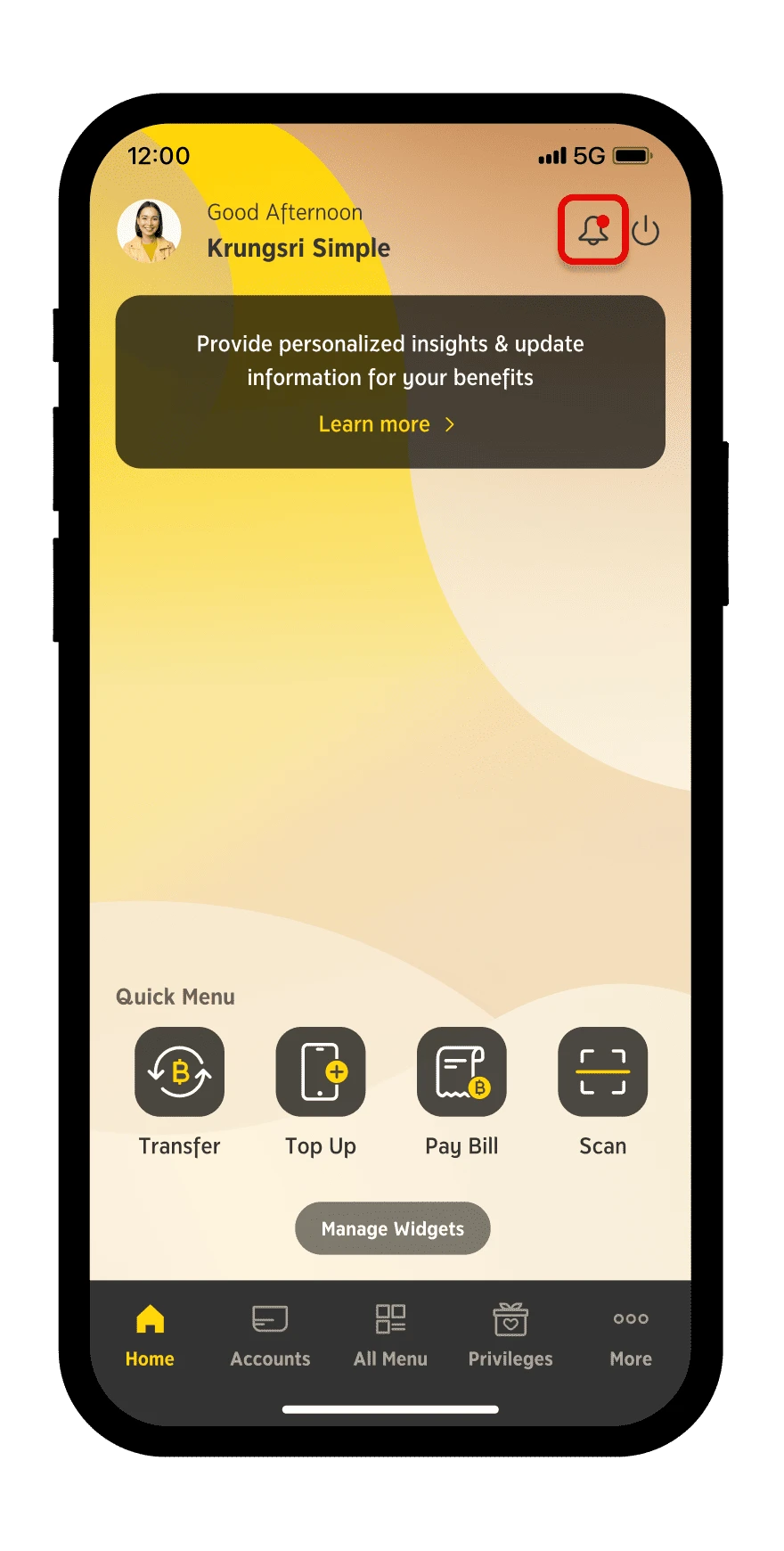
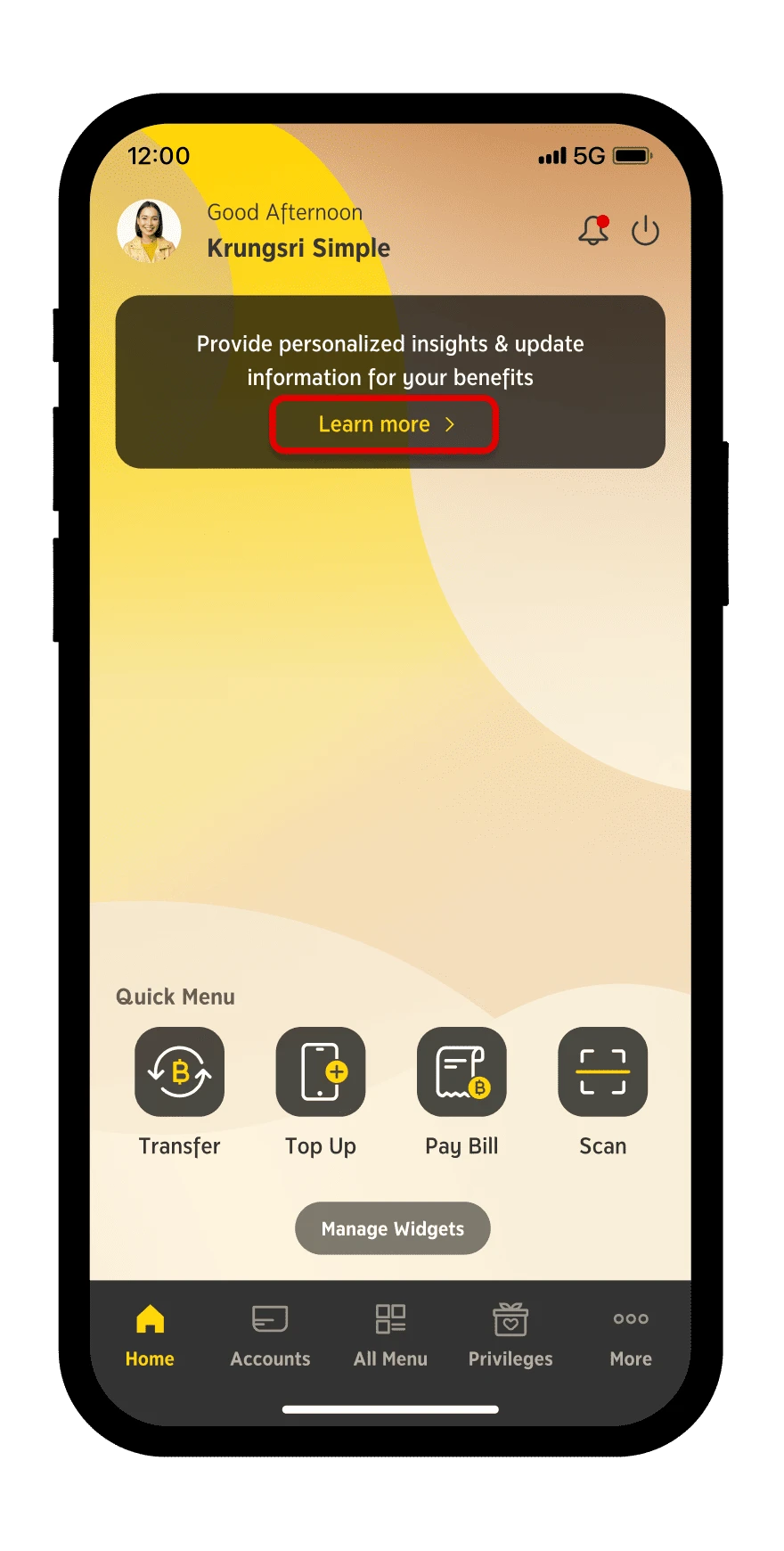
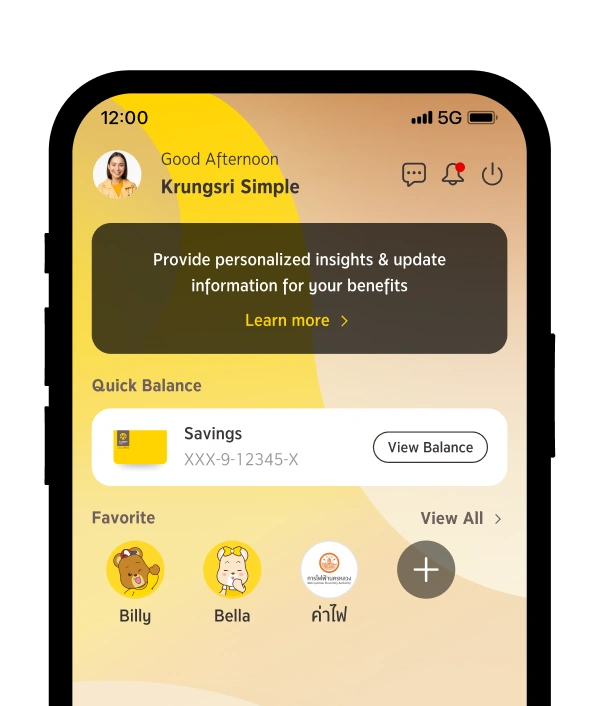
Step 1
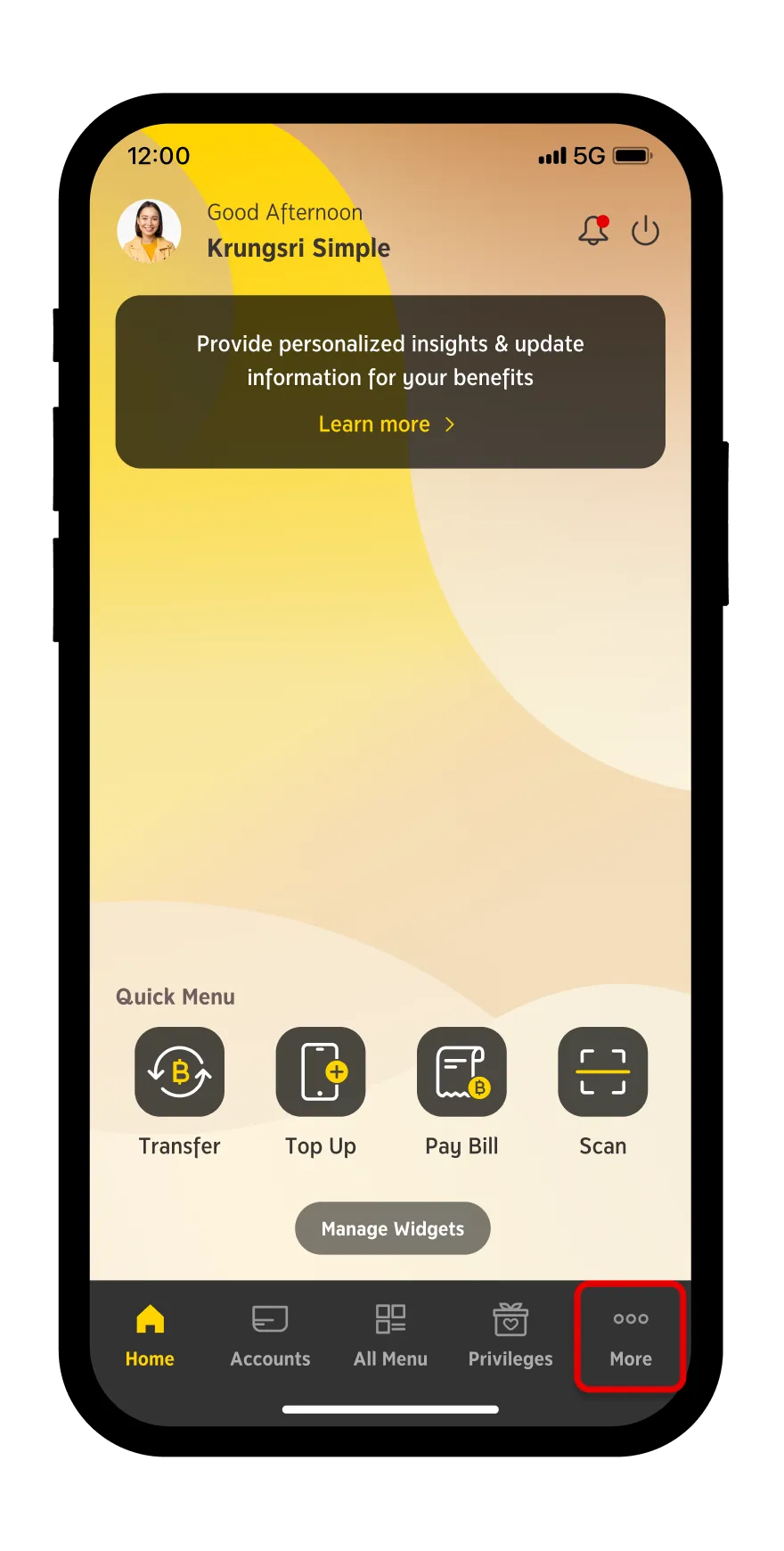
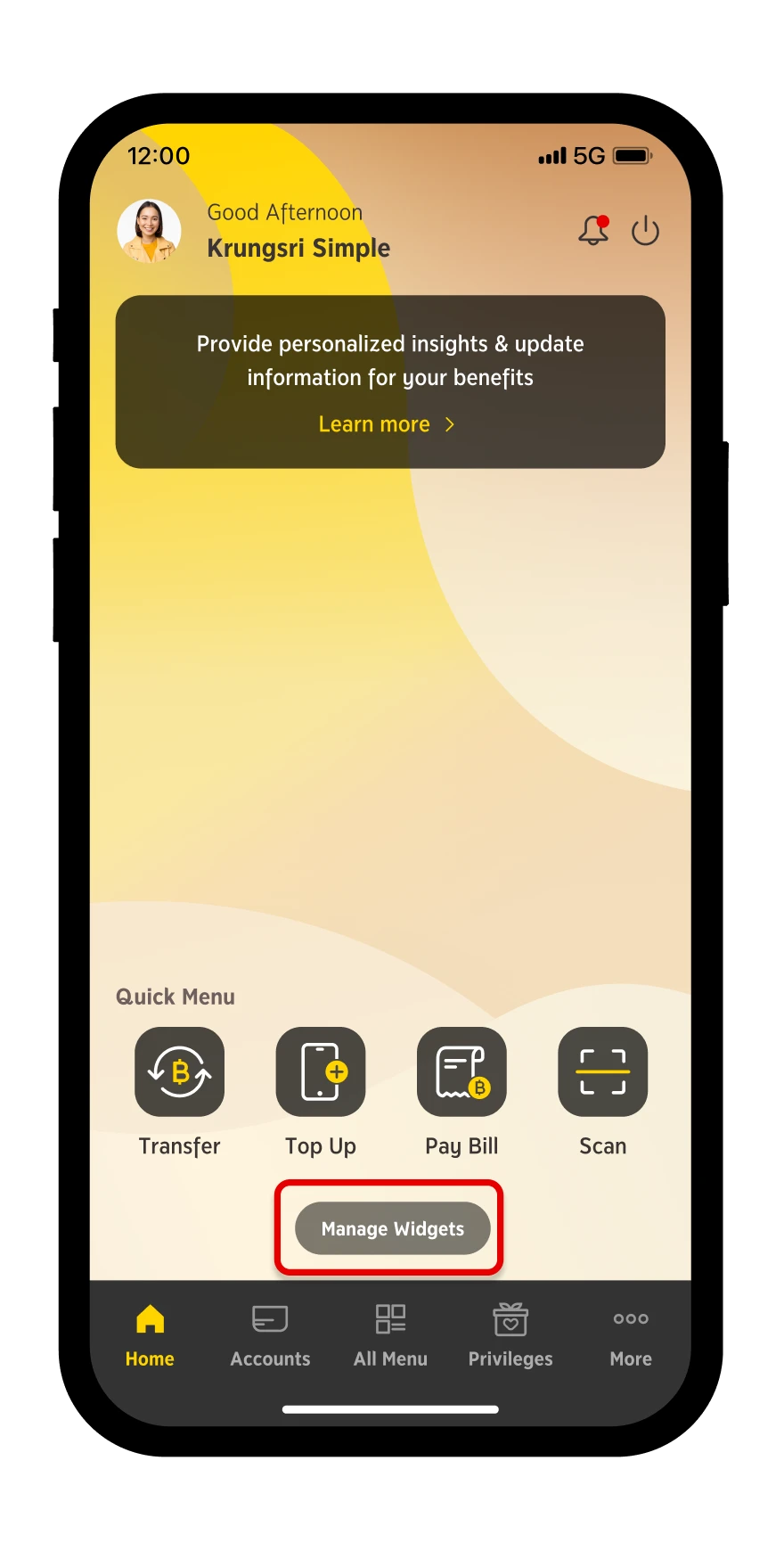
Press "Learn More"
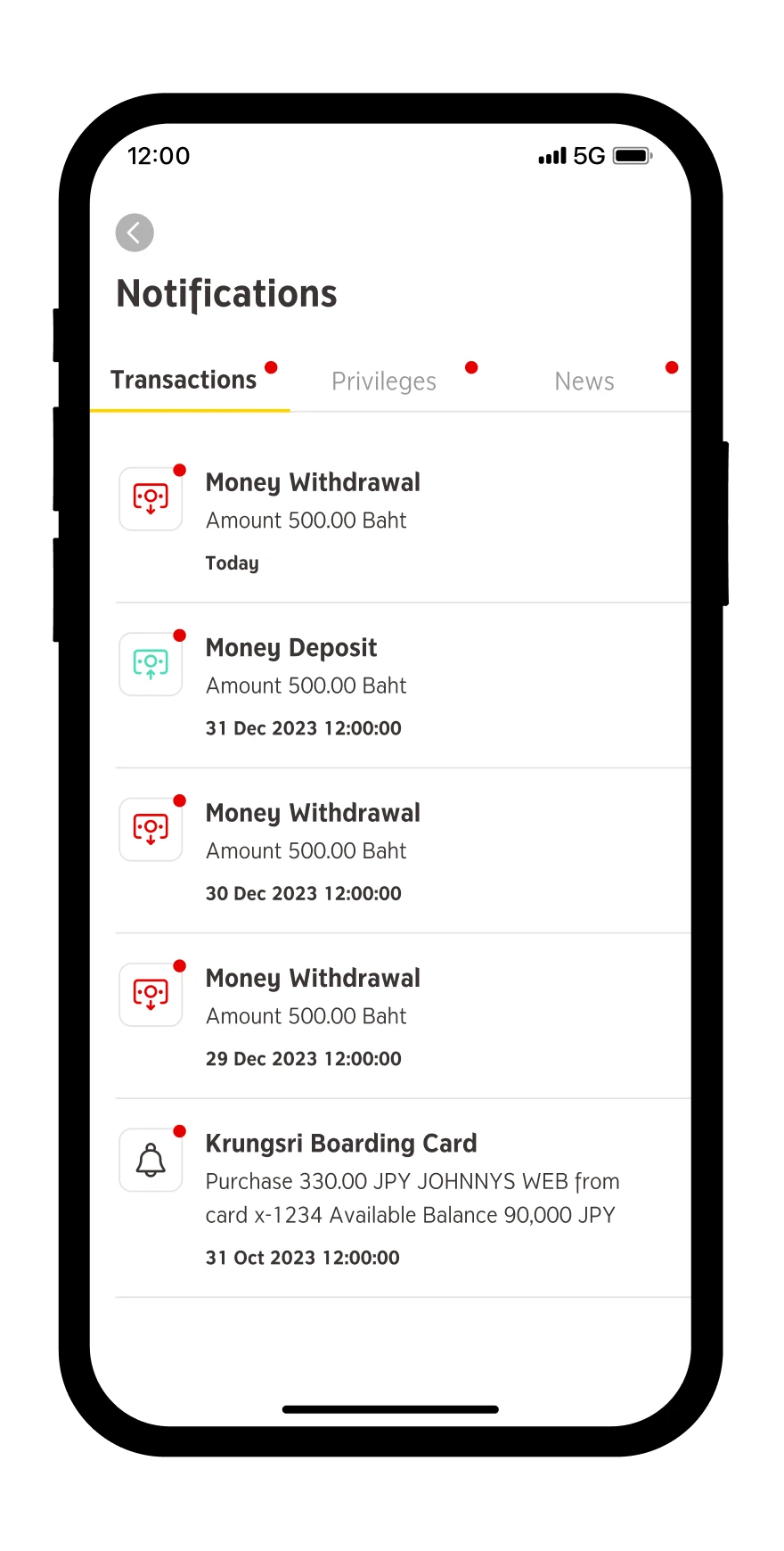
Step 2
Select your desired topic
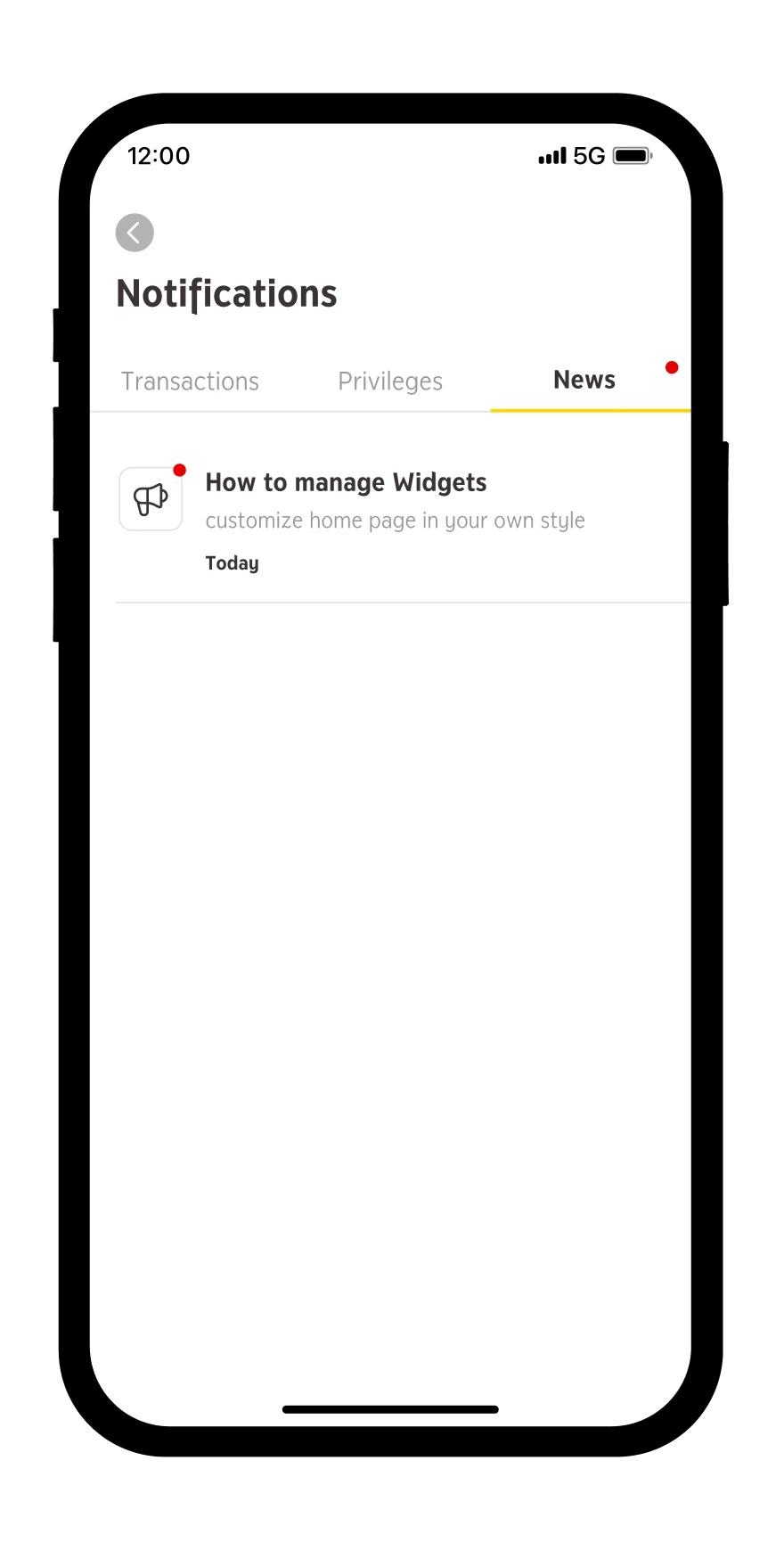
Step 3
Done
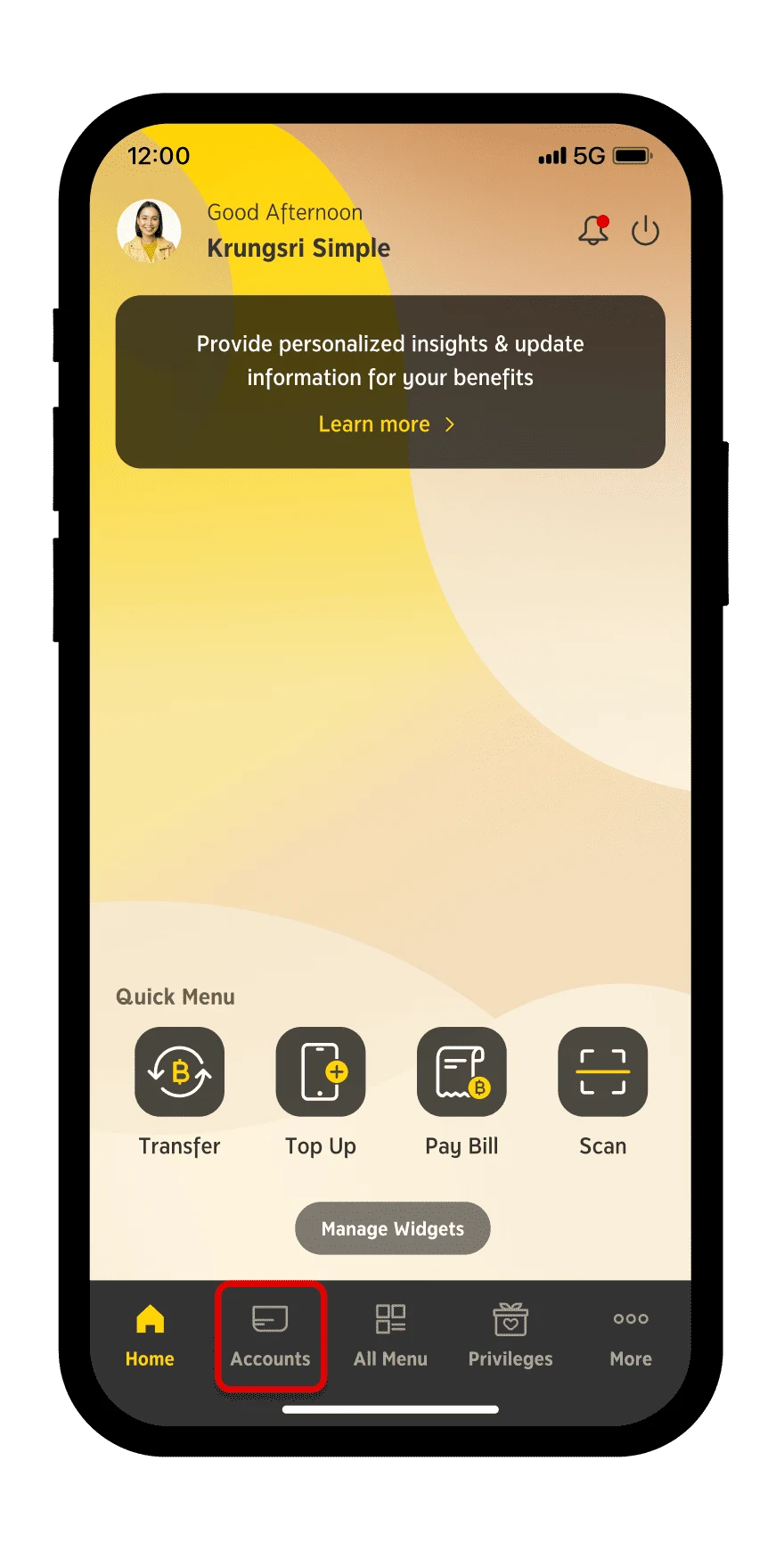
Step 1
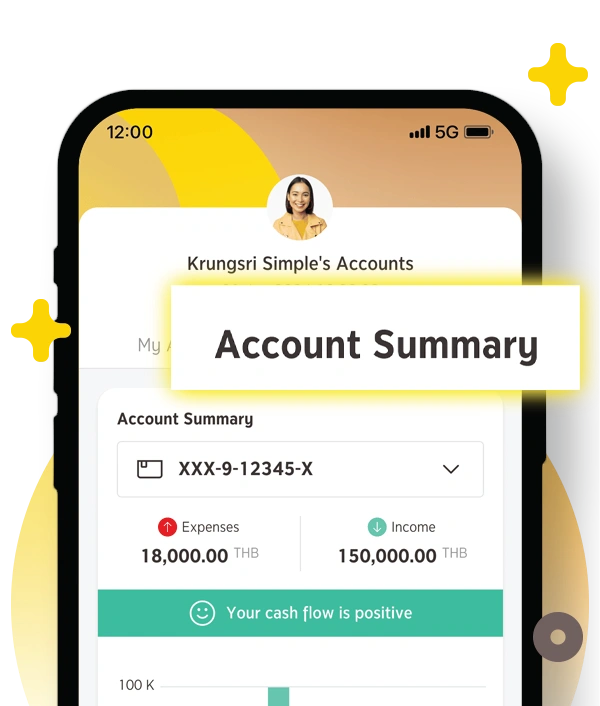
Select "Accounts"
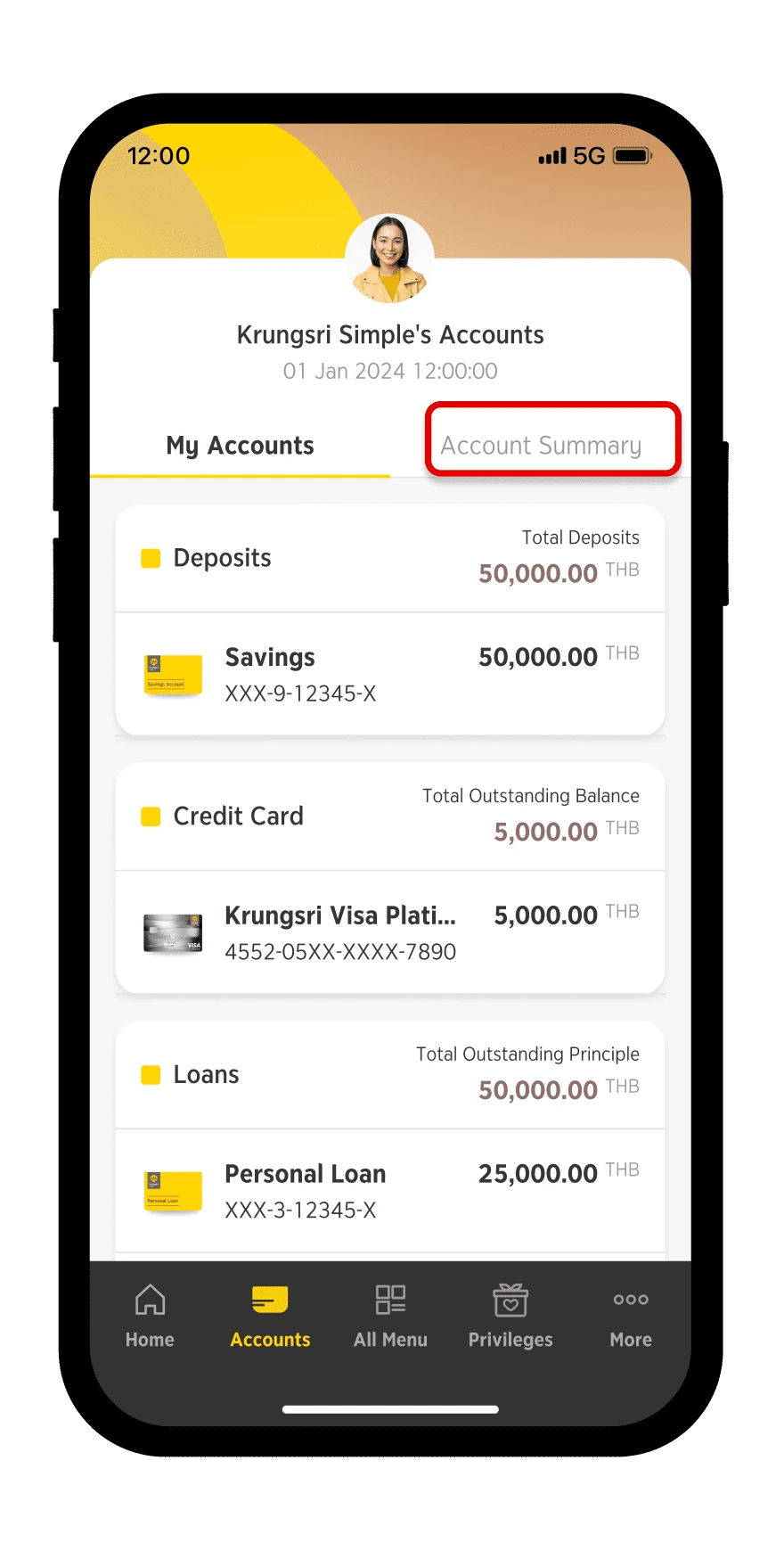
Step 2
Select "Account Summary"
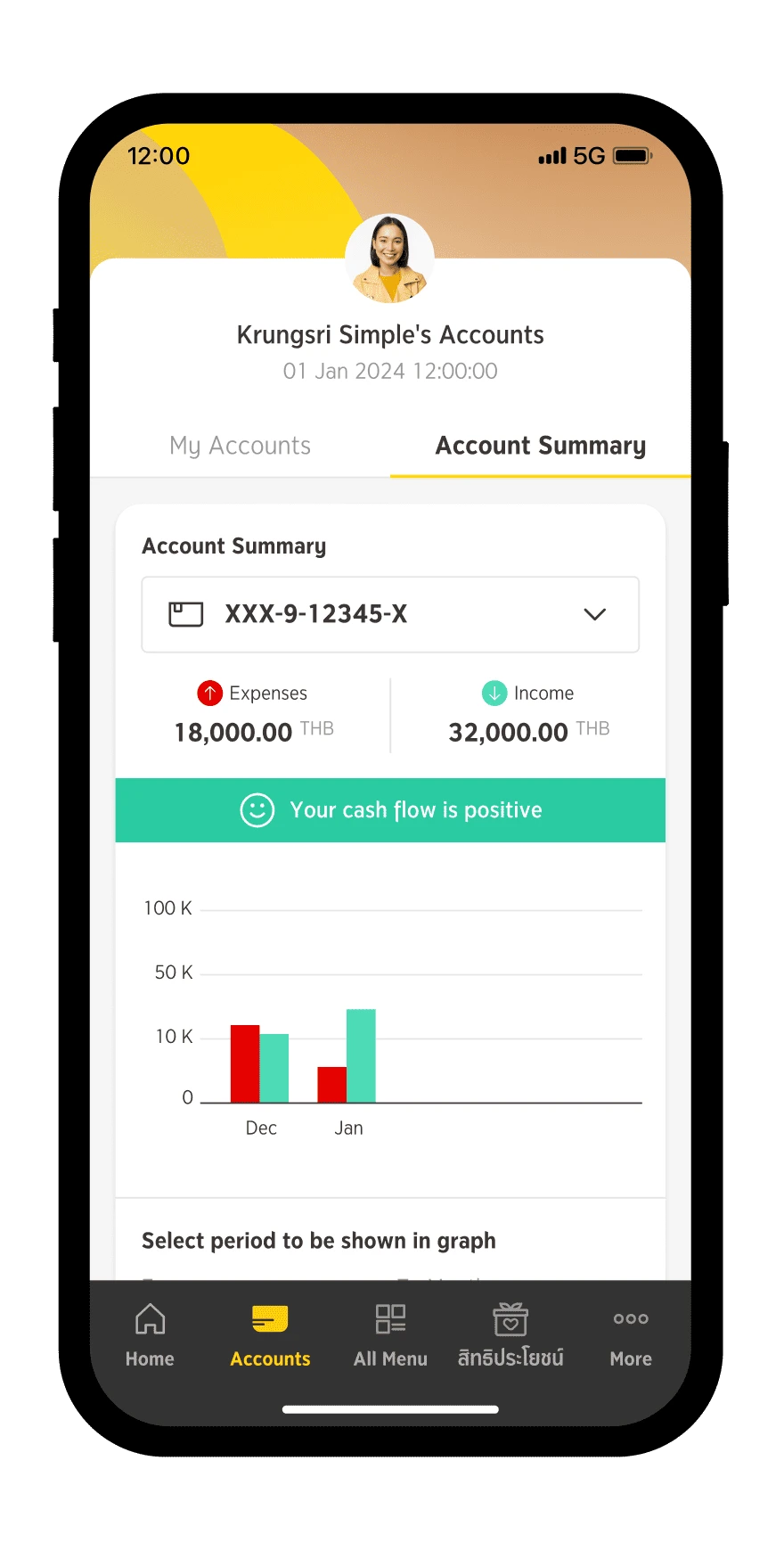
Step 3
Your can view the infographic dashboard of your accounts. You may choose which account you want to view the Income Expense Summary
Step 1
Select "Accounts"
Step 2
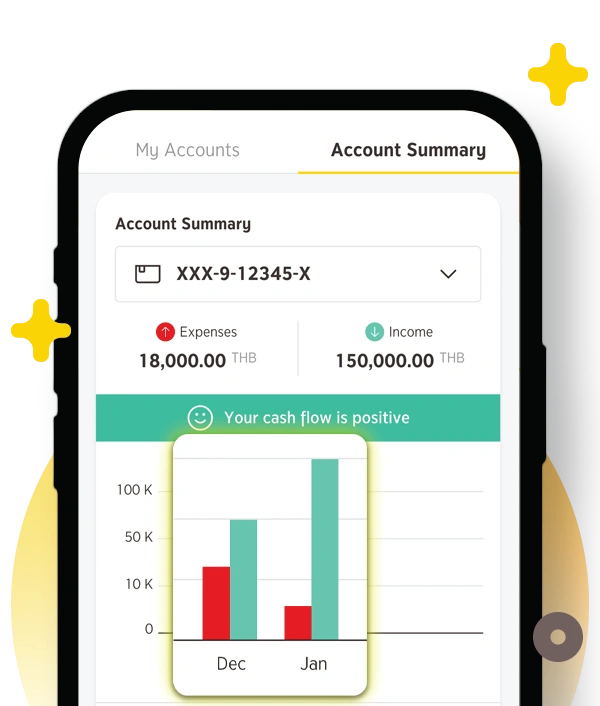
Select "Account Summary"
Step 3
Your can view the graph summarizing your income and expense. You may select the range of period up to the past 6 months.