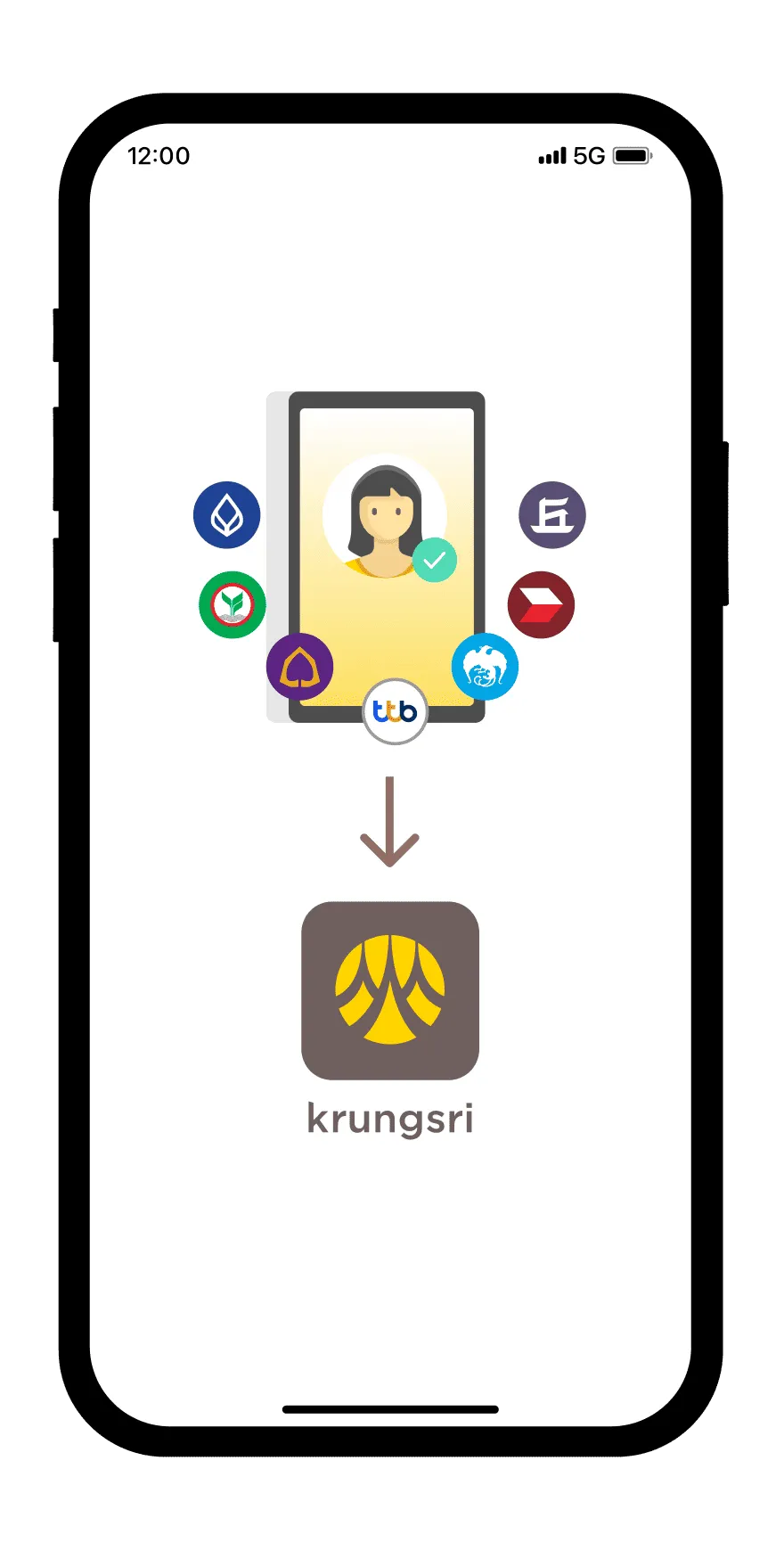
Access the mobile app or website of a participating NDID service provider, select NDID as your identity verification option and choose krungsri app as the identity verification provider

Step 2
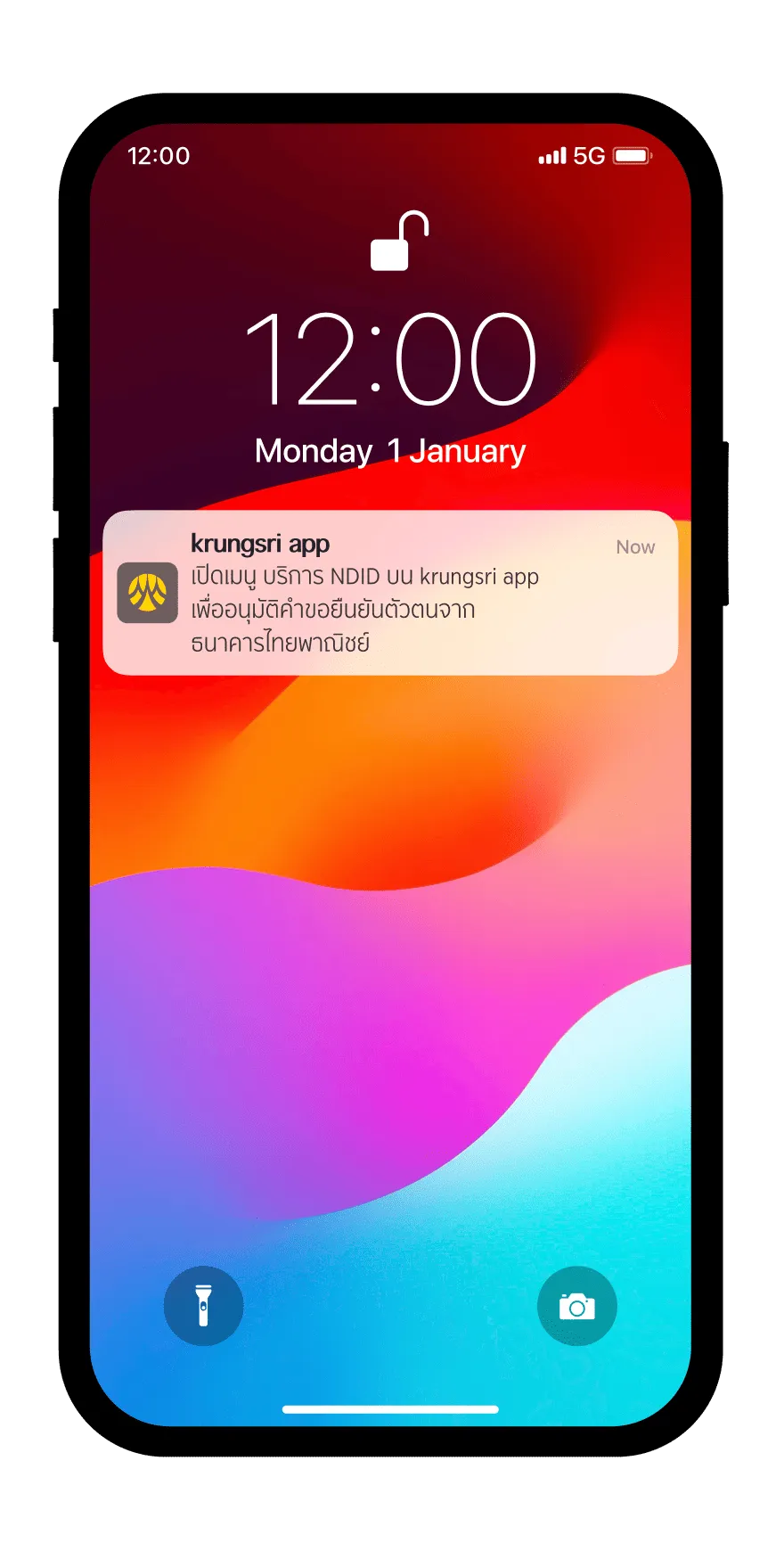
When you receive a notification for identity verification on your mobile, click to open it
Step 3
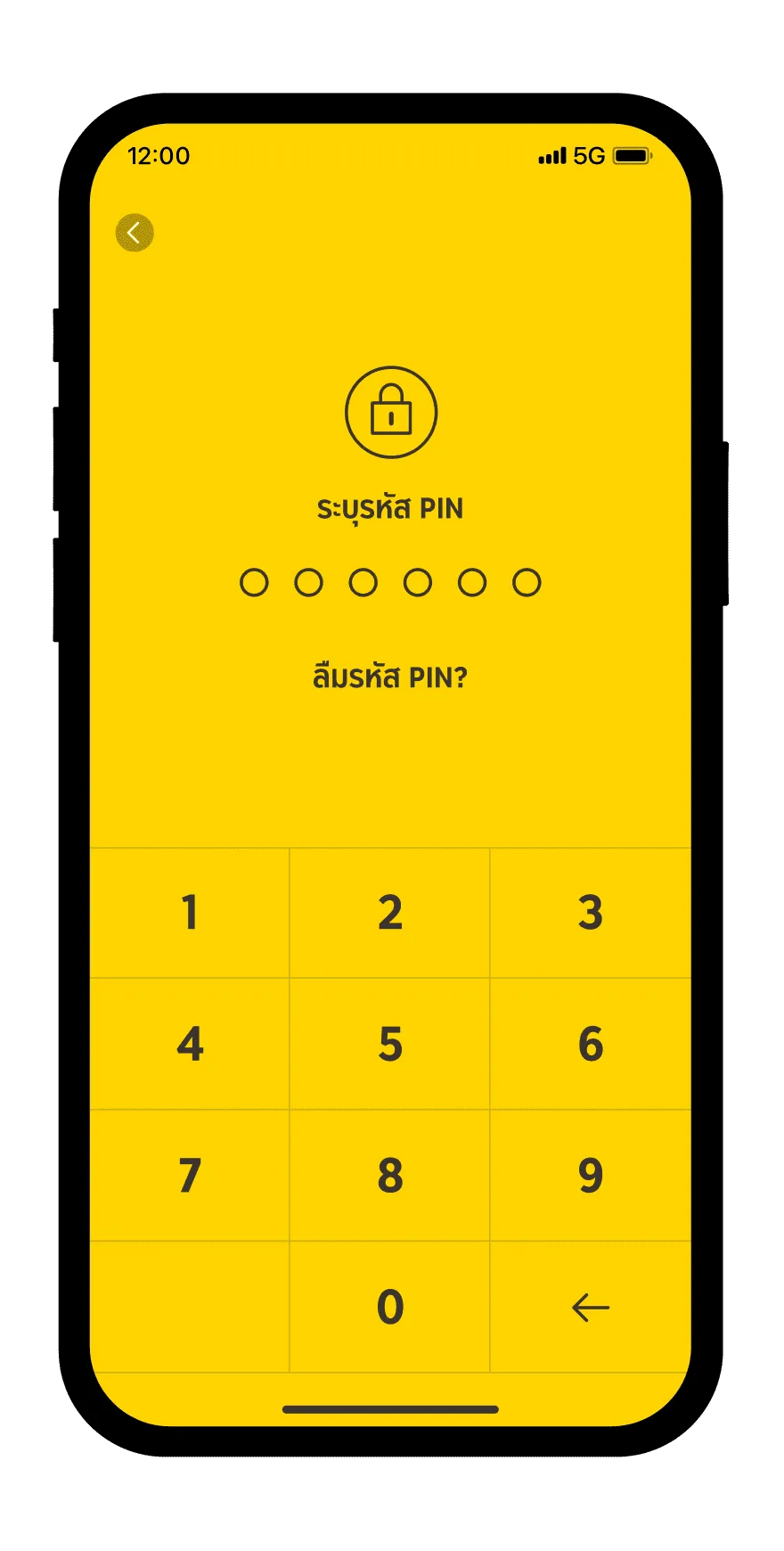
Log in krungsri app
Step 4
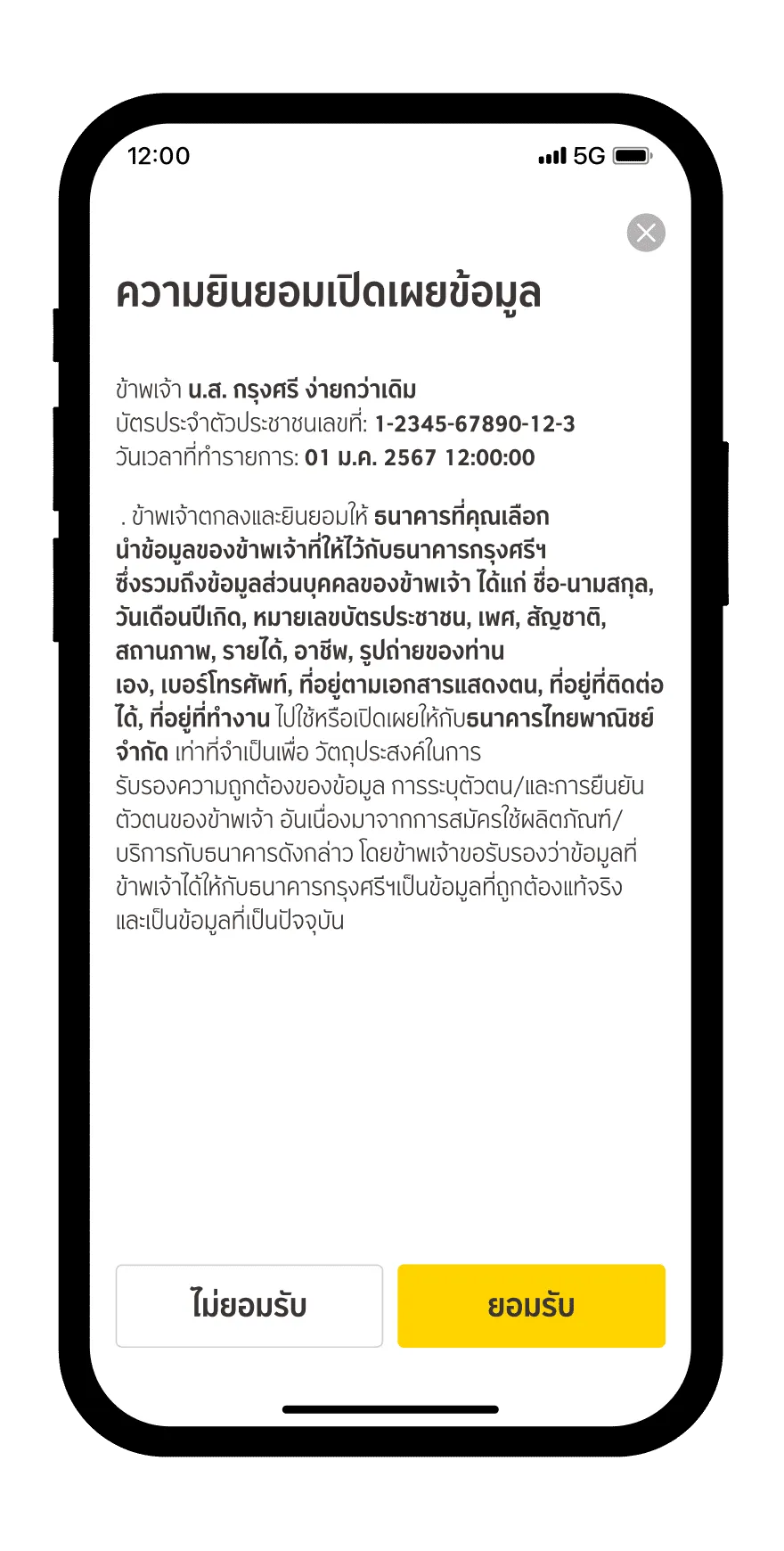
Read and accept data disclosure consent
Step 5
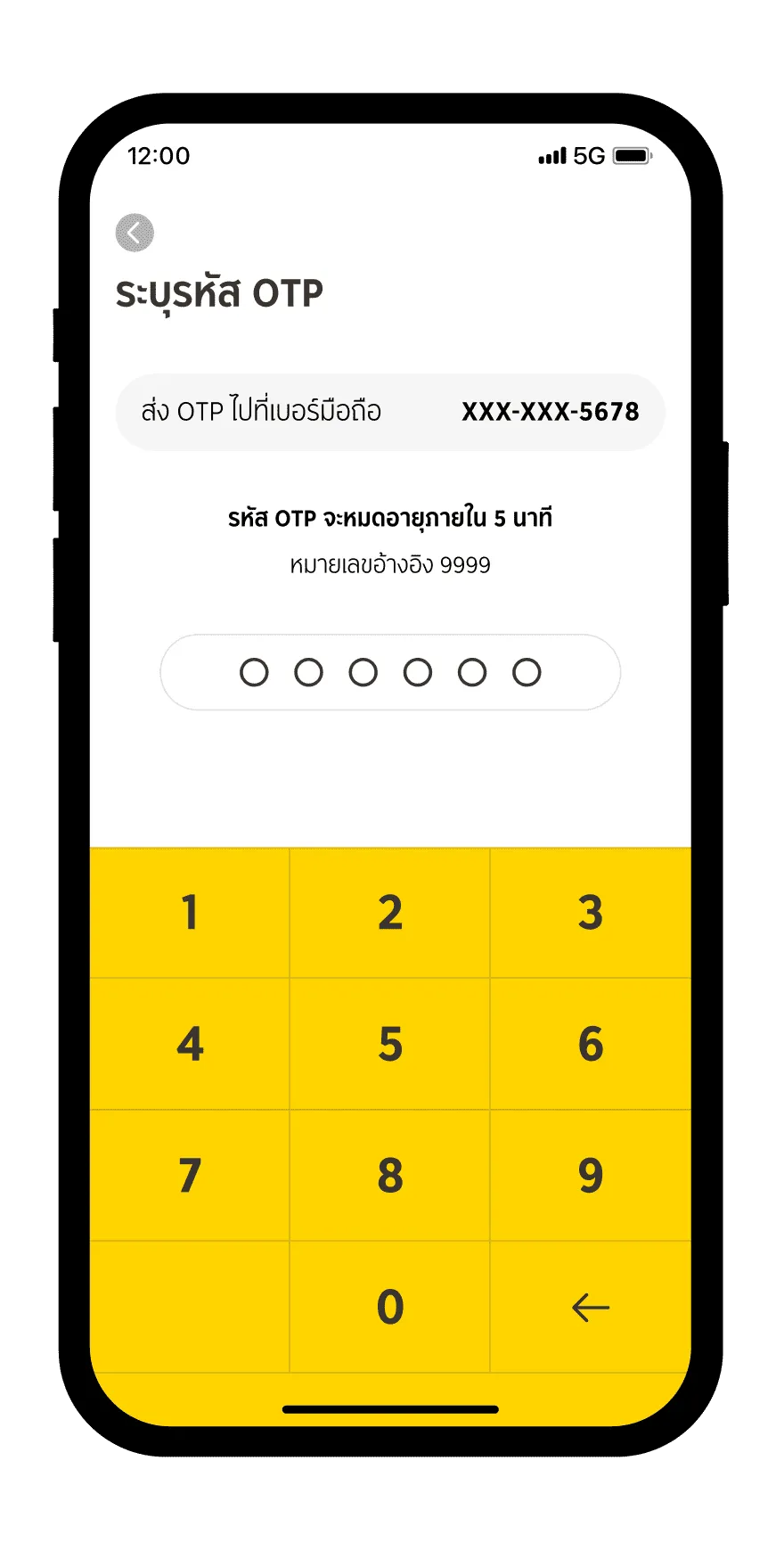
Enter the OTP received via SMS linked to your registered phone number
Step 6
Click "Confirm" to finalize the transaction
Step 7
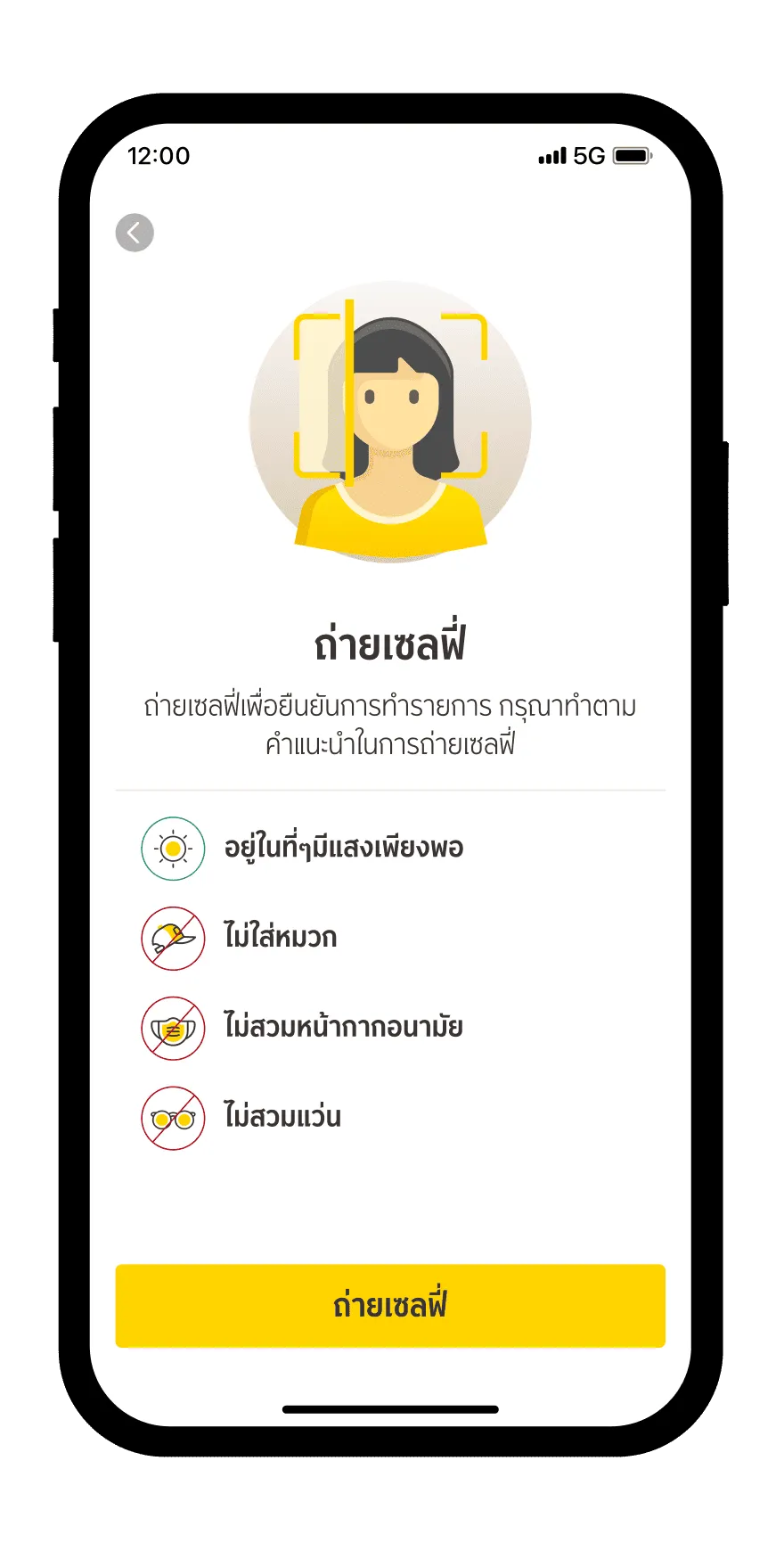
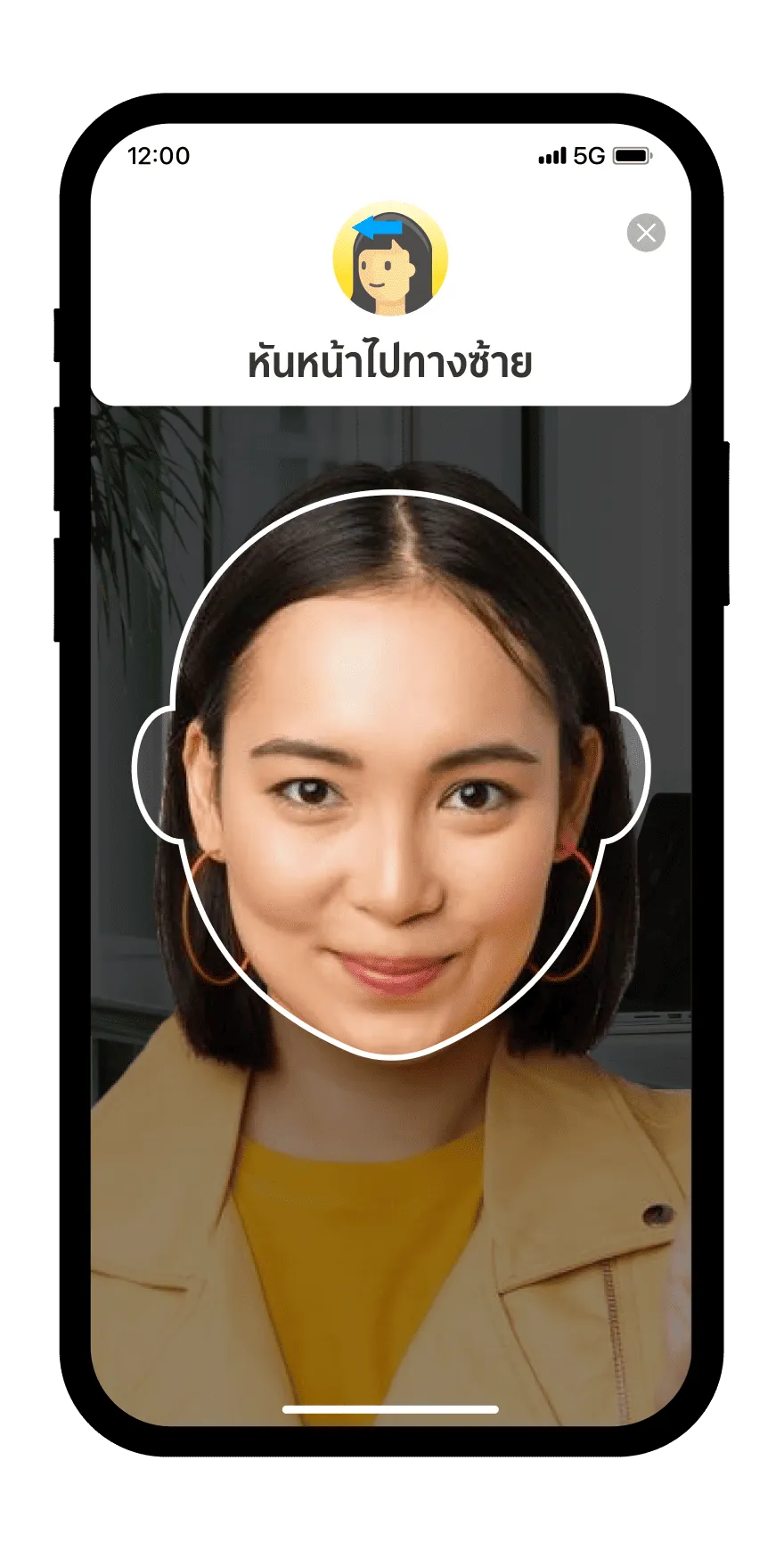
Take a selfie for identity verification
Step 8
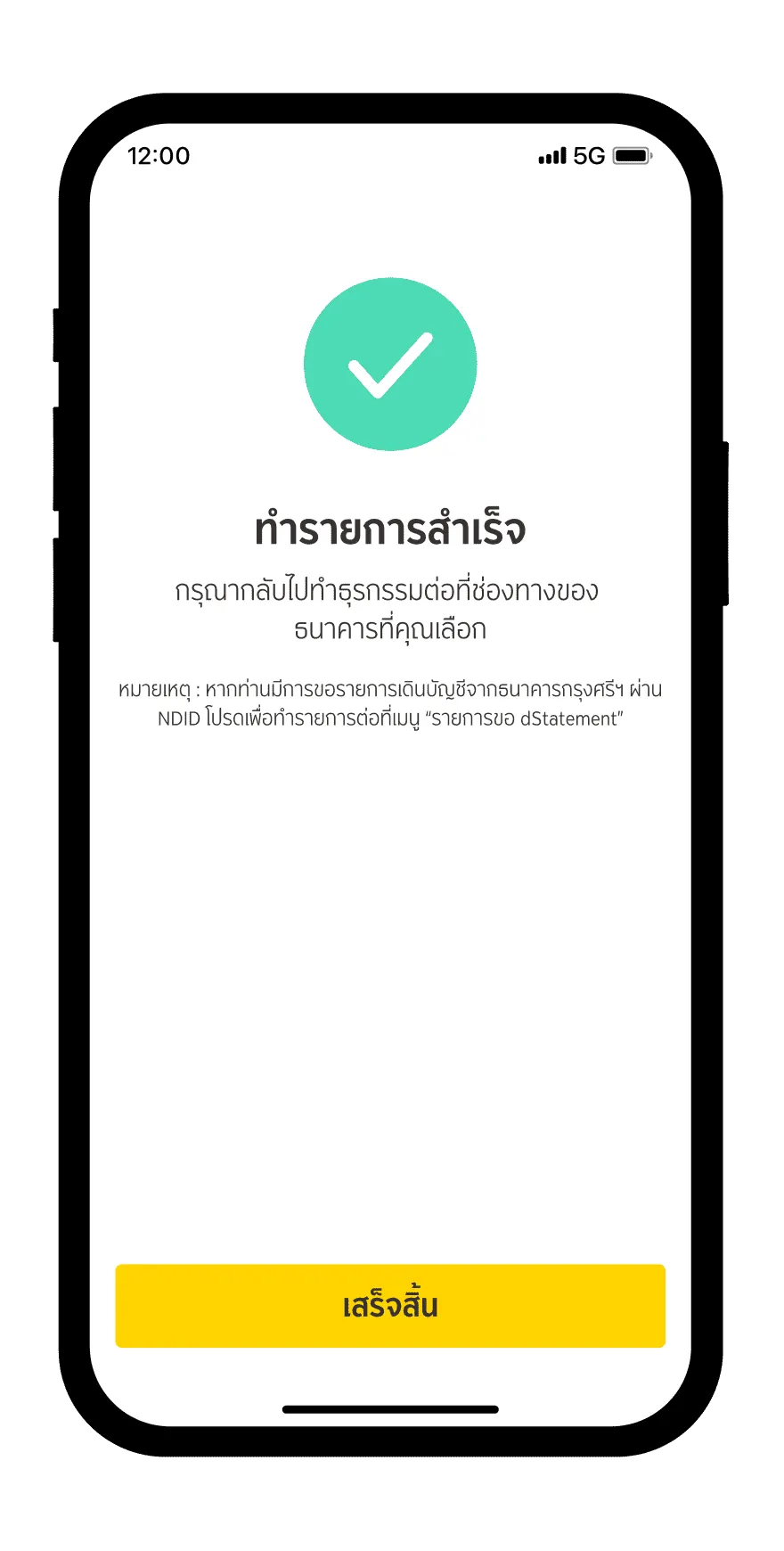
Identity verification is completed successfully
Download and register krungsri app
for both iOS and Android
For more information, please contact
LINE Official: @krungsrisimple